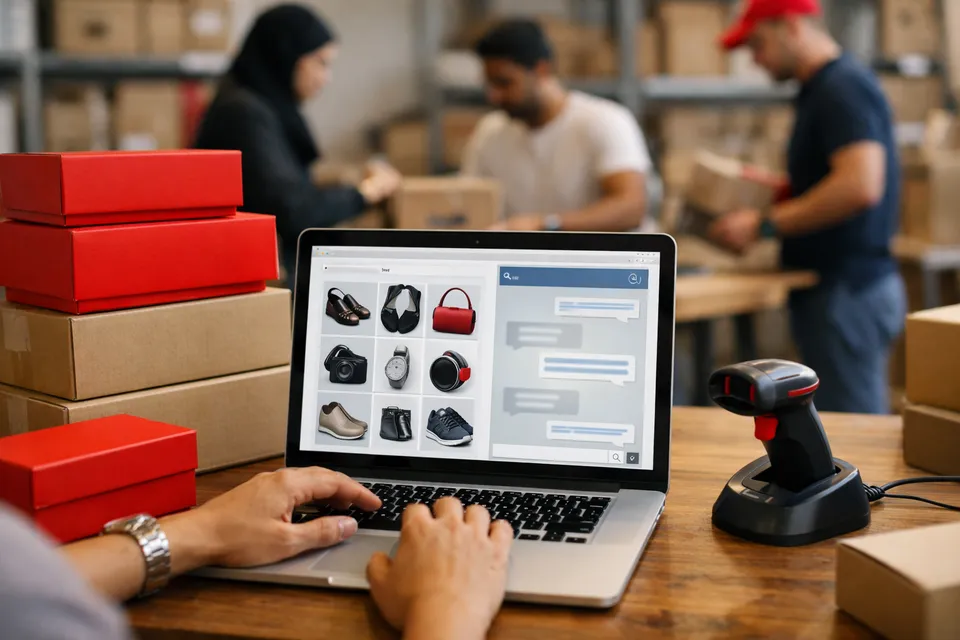
A shopper with an unanswered question about delivery, sizing or returns is a shopper who leaves. Selo Assist answers those questions instantly, using your store's pages and the policies you give it, in the shopper's own language.
BigCommerce has a Script Manager made for exactly this, so there is no theme editing and the code survives theme changes.
How to set it up
- 1
Create your assistant
Sign up, enter your store's address, and upload your shipping, returns and warranty policies if they are not on the site.
- 2
Allow your domain
Add your store domain under Allowed websites on the Widget page.
- 3
Copy the embed code
Copy the one-line script tag.
<script src="https://chat.siteselo.com/widget.js" data-workspace="pk_..." async></script> - 4
Add it in Script Manager
In the BigCommerce control panel go to Storefront > Script Manager and create a script. Choose the footer as the location, all pages, and the script type that lets you paste a script tag, then paste the code and save.
- 5
Check it
Open your storefront in a private window and ask about delivery or returns.
Why it works
No theme edits
Script Manager keeps the code separate from your theme, so switching or updating themes does not remove it.
Product cards
Add products with photos and prices in your account and the assistant shows the relevant ones as cards.
Sale-day ready
When traffic spikes, repeated questions are answered automatically instead of piling up.