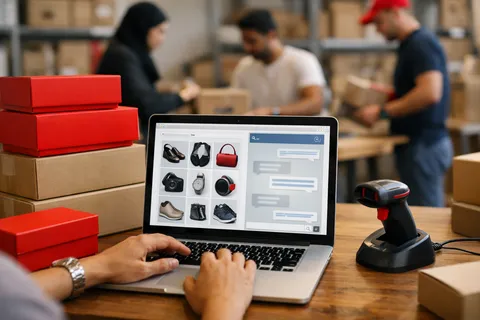
Shoppers on a WooCommerce store ask the same few things before they buy: how long delivery takes, what it costs, whether they can return an item, whether a product suits what they need. Selo Assist answers those questions from your store pages, your policies and the notes you add.
Because WooCommerce is a WordPress plugin, the widget goes in exactly the way it does on any WordPress site: one script tag in the site-wide footer. There is no extra plugin to install or keep updated.
How to set it up
- 1
Create your assistant
Sign up and enter your store's address so the assistant can read your pages. Upload your shipping and returns policy as a file or note if it is not written on the site.
- 2
Allow your domain
On the Widget page, add your store's domain under Allowed websites. The chat only appears on the sites you list.
- 3
Copy the embed code
Copy the one-line script tag from the same page.
<script src="https://chat.siteselo.com/widget.js" data-workspace="pk_..." async></script> - 4
Add it to the footer
Install a header-and-footer code plugin such as WPCode, add a new snippet, paste the code and set it to load in the site-wide footer. Alternatively, paste it just before the closing body tag in your theme's footer.php.
- 5
Test a shopper's question
Open a product page in a private window and ask about delivery to your city or how returns work.
Why it works
Product cards in the chat
Add your best-selling products with a photo, price and link in your account, and the assistant shows the relevant ones as cards the shopper can open.
Checkout stays in WooCommerce
The assistant answers and recommends; orders and payments go through your normal checkout, untouched.
Buyers become leads
When someone wants a quote, a bulk order or a call back, it takes their name and number and saves them to your leads list.